
A practical checklist for cleaner product photo cutouts
Prepare sharper product images and inspect the details that matter before publishing.
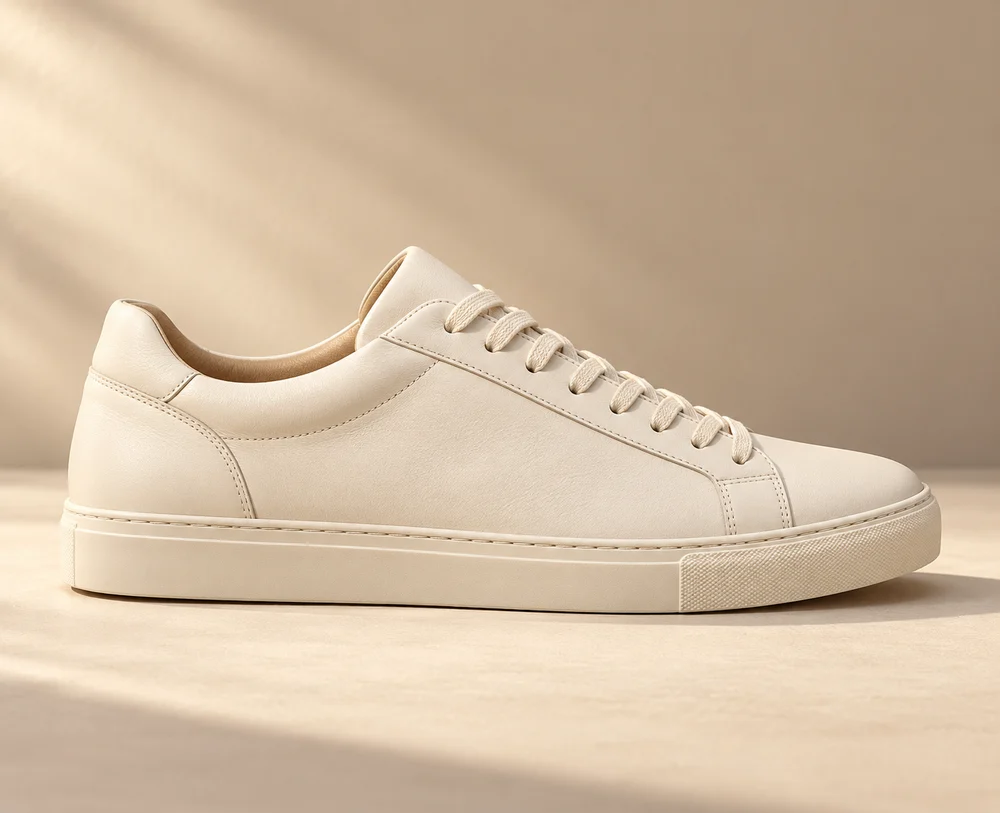
Before uploading
Use soft, even lighting and keep the whole product in frame. Avoid motion blur and strong reflections when possible. If the background has the same color as the product, use a different backdrop while shooting to create more separation.
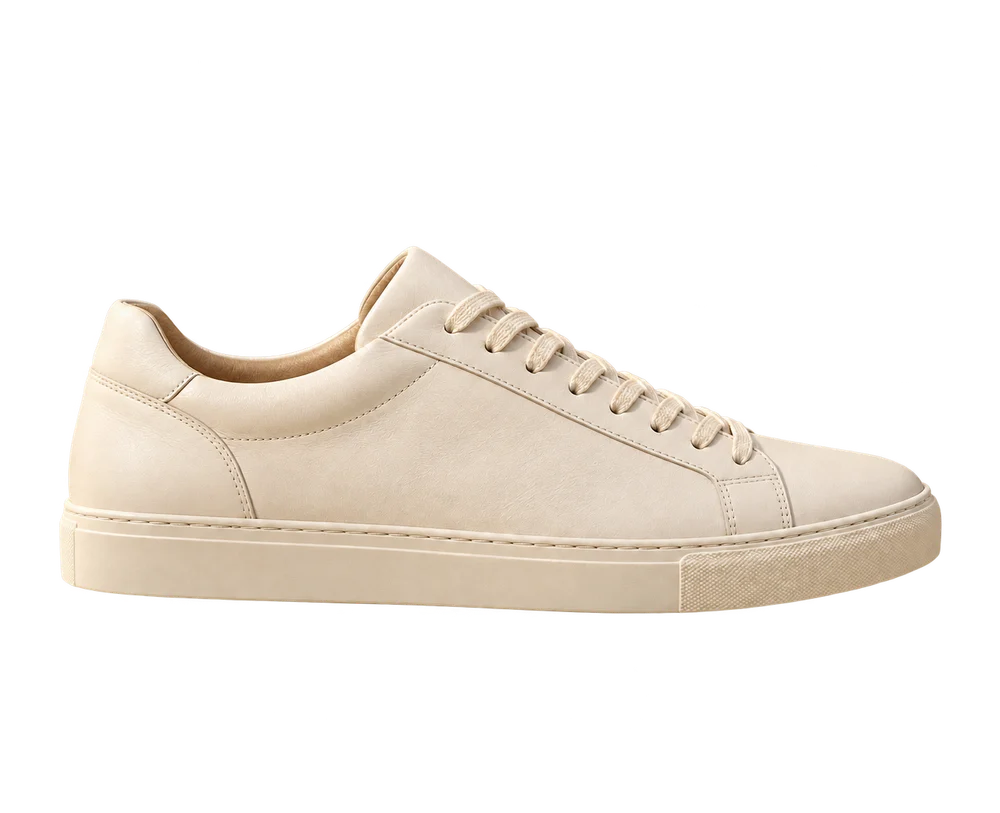
Inspect difficult areas
After processing, zoom in on handles, straps, holes, fur, and thin parts. Transparent glass and reflective packaging can be especially difficult because the original background is visible through or reflected by the object. AI output should be reviewed before publishing; it may change or miss small details.
Choose an export for the destination
Use a transparent PNG when placing the product in a layout. Use a white-background PNG when you want a neutral canvas. Both exports are available from the same successful result without processing the image a second time. Check the marketplace's image rules separately.
Keep your workflow simple
The tool processes one image at a time. Give each result a useful filename when saving it and keep the source photo alongside the export. Private results expire after 24 hours, so download approved images promptly. Output dimensions are selected by the processing service, rather than guaranteed to match the original.
Review the final presentation
Check that the product color, label, shape, and proportions are still accurate. A clean edge is only part of a useful listing image. Place the export in its intended layout and look at it at the size shoppers will actually see.
Remove a product background or compare transparent and white exports.